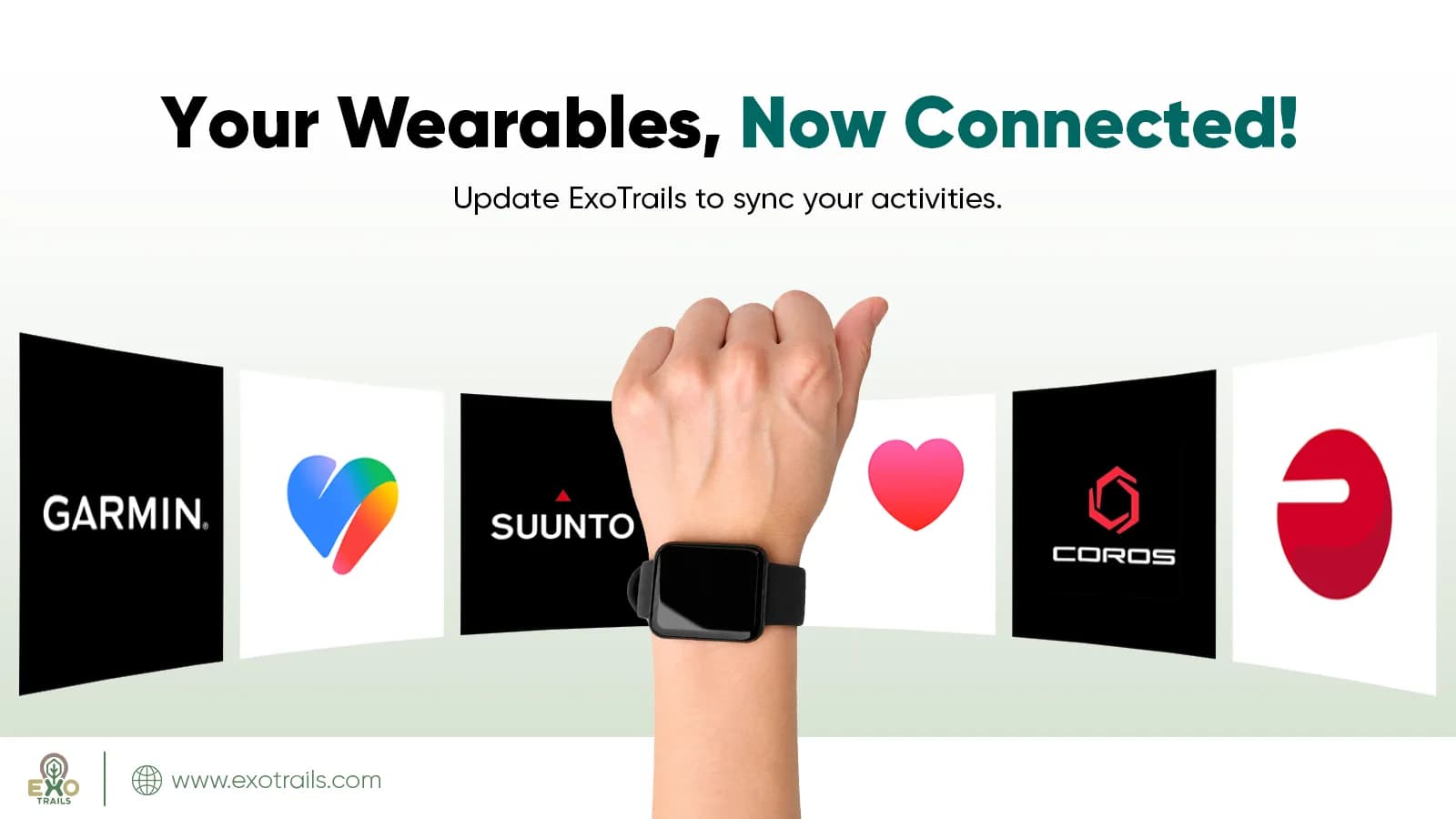
Your activities, all in one place. ExoTrails now makes it easier to connect your favorite wearables and fitness platforms, sync activities, and keep your outdoor adventures together in one app.
ExoTrails is excited to introduce wearable and fitness platform integration, bringing your everyday workouts and outdoor adventures closer together.
With the latest update, ExoTrails supports Garmin, Apple Health, Google Health, COROS, Suunto, and Polar, allowing users to connect supported platforms and import recorded activities directly into the ExoTrails app.
Whether you're tracking your daily runs, enjoying weekend cycling routes, or exploring mountain trails, your activities can now become part of your ExoTrails adventure.
Which Wearables and Fitness Platforms Does ExoTrails Support?
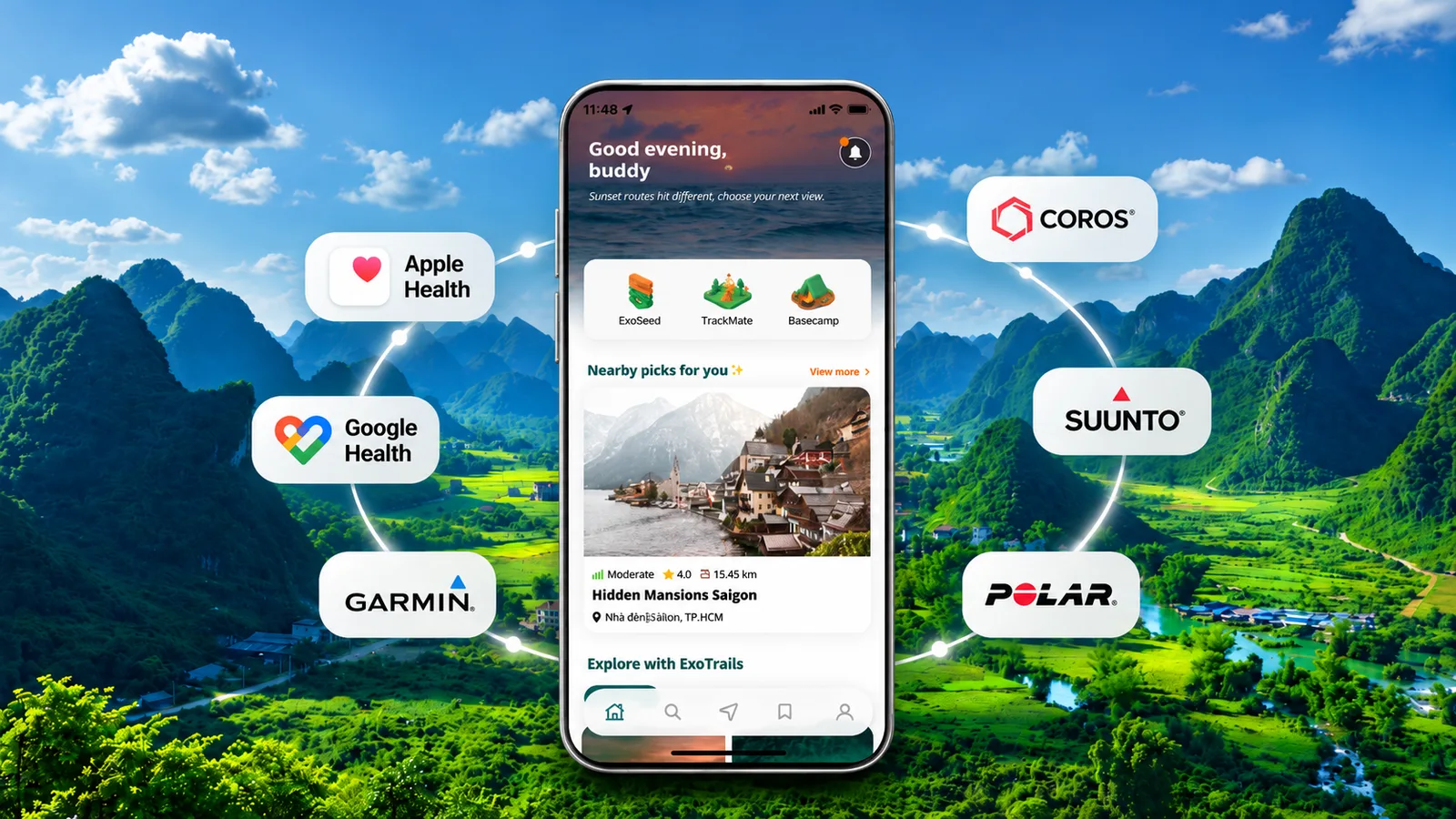
ExoTrails now supports integration with six popular wearable ecosystems and health and fitness platforms:
Platform | Supported Integration |
|---|---|
Garmin | Connect and import recorded activities from the Garmin fitness ecosystem. |
Apple Health | Connect and import supported activity data from Apple's health ecosystem. |
Google Health | Access supported activity data through Google's health platform integration. |
COROS | Sync recorded activities from the COROS sports watch ecosystem. |
Suunto | Connect your Suunto platform and import supported activities into ExoTrails. |
Polar | Sync supported activities recorded through the Polar fitness ecosystem. |
With these integrations, ExoTrails offers a more convenient way to bring your fitness activities and outdoor adventures together, reducing the need to manage your activity history across multiple apps.
Sync Your Activities and Keep Every Adventure Connected
Everyone experiences the outdoors differently. Some enjoy familiar running routes, while others spend their weekends cycling, hiking, trekking, or exploring new destinations.
With the new ExoTrails wearable integration, you can:
Connect your favorite devices: Link ExoTrails with supported smartwatches, sports watches, and fitness platforms.
Sync and import activities: Bring supported activities recorded through connected platforms into ExoTrails.
Keep your adventures together: Manage your fitness activities and outdoor experiences more conveniently in one app.
Beyond wearable connectivity, this update also includes bug fixes and app performance improvements, making your ExoTrails experience smoother and more reliable.
From discovering trails and planning outdoor adventures to recording and revisiting your activities, ExoTrails continues to evolve as your companion for an active outdoor lifestyle.
How to Connect Your Smartwatch or Fitness Platform to ExoTrails
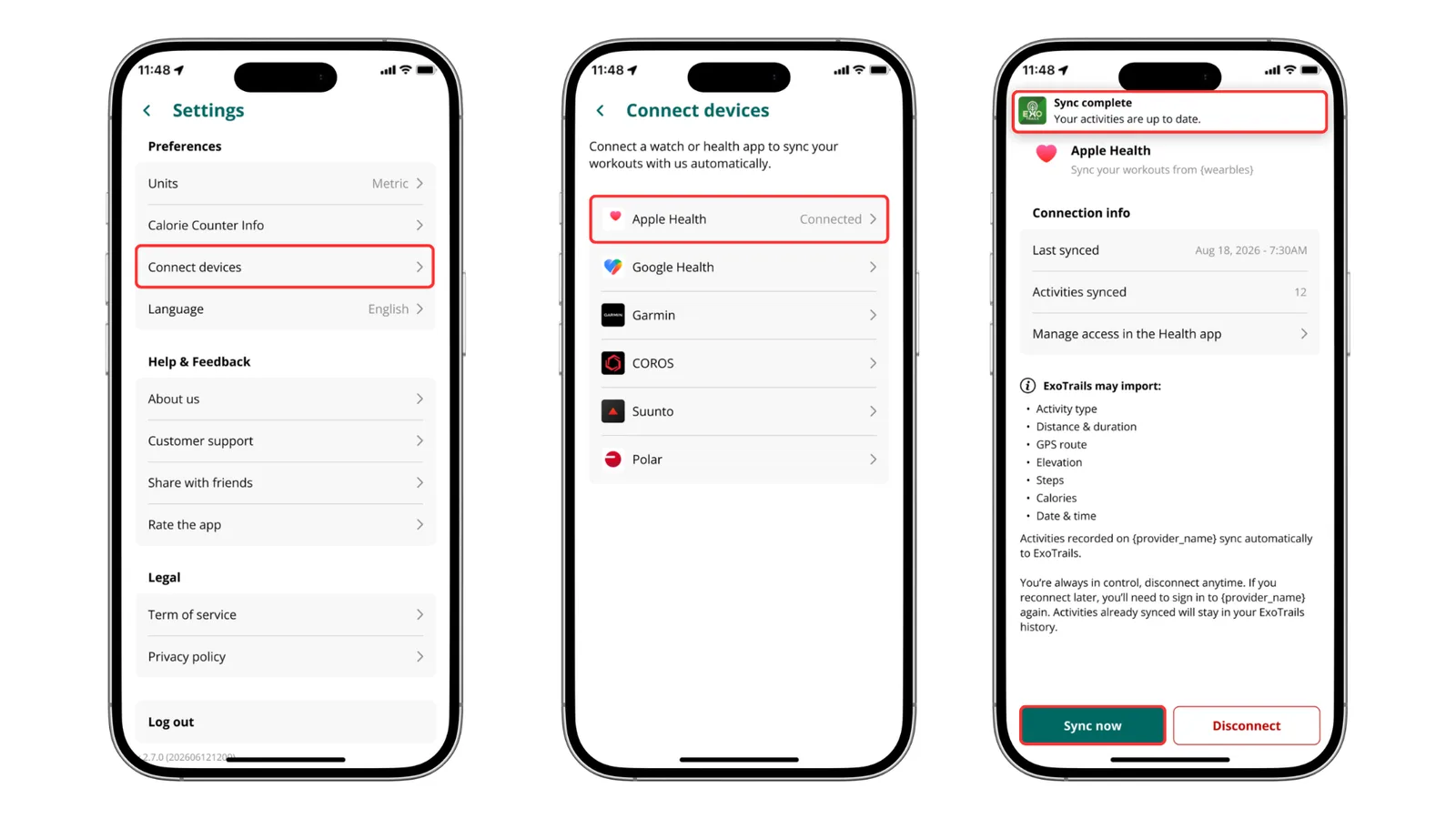
Getting started with wearable integration is simple. First, make sure you've updated ExoTrails to the latest version.
Step 1: Open Device Connections
Launch the ExoTrails app, go to Settings, and select Device Connections.
Step 2: Choose Your Fitness Platform
Select Garmin, Apple Health, Google Health, COROS, Suunto, or Polar, depending on the platform you use.
Follow the on-screen instructions to authorize the connection and grant the necessary permissions.
Step 3: Start Syncing Your Activities
Once the connection is successful, ExoTrails will display a confirmation message.
You can then start syncing and importing supported activities from your connected platform into ExoTrails.
Note: Available activities and synchronization capabilities may vary depending on your device, connected platform, and granted permissions.
Take Your Outdoor Adventures Further with Explorer Lifetime
Connecting your fitness activities is just one way ExoTrails helps you get more from every adventure.
For outdoor enthusiasts who want to explore with greater confidence, Explorer Lifetime unlocks Explorer benefits with a single payment and no recurring subscription renewals.
Whether you're preparing for your next hiking trip, navigating unfamiliar trails, or discovering new outdoor destinations, Explorer provides useful tools to support your journey, including:
Offline maps to help you navigate even without an internet connection.
Terrain information to better understand the routes ahead.
Navigation tools to help you stay on track.
Off-route alerts to support safer outdoor exploration.
One upgrade. A lifetime of adventures.
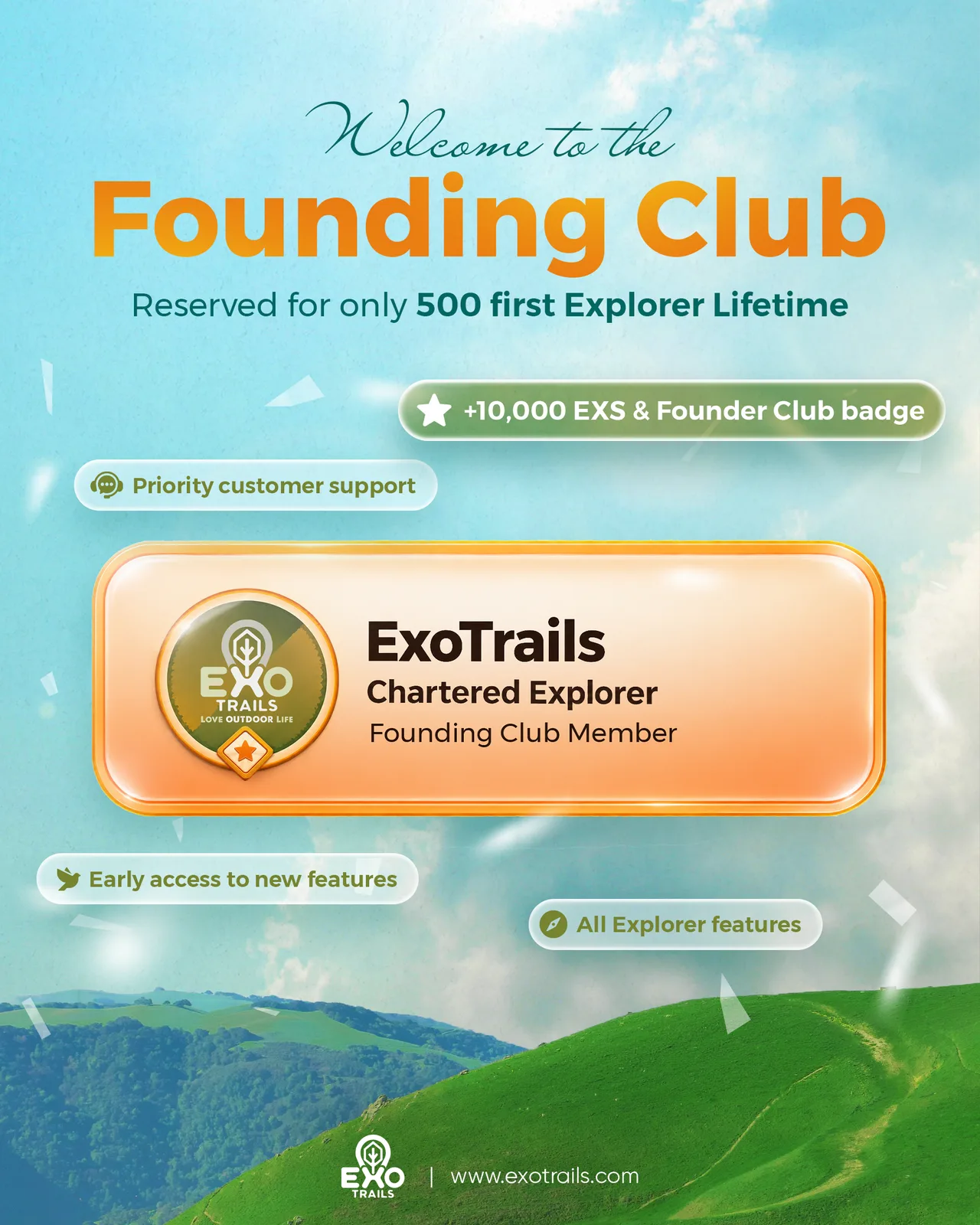
Discover how Explorer Lifetime can enhance your outdoor experiences.
Explore ExoTrails Explorer Lifetime
Frequently Asked Questions About ExoTrails Wearable Integration
1. Which smartwatches and fitness platforms can I connect to ExoTrails?
ExoTrails currently supports six wearable ecosystems and fitness platforms: Garmin, Apple Health, Google Health, COROS, Suunto, and Polar. You can connect supported platforms to sync and import compatible activities into ExoTrails.
2. How do I connect my Garmin, COROS, Suunto, or Polar watch to ExoTrails?
Update ExoTrails to the latest version, then navigate to Settings → Device Connections. Select your preferred platform and follow the on-screen instructions to authorize the connection.
3. What types of activities can I sync from my smartwatch to ExoTrails?
ExoTrails supports importing compatible activities from connected fitness platforms. The activities available for synchronization depend on the data recorded by your device, the connected platform, and the permissions granted.
4. Can I import previously recorded activities into ExoTrails?
No. ExoTrails only syncs activities recorded after your wearable or fitness platform has been successfully connected. Activities recorded before the connection will not be imported into ExoTrails.
Update ExoTrails and Keep Every Adventure Connected!
Whether you're working toward your next running milestone, exploring new cycling routes, or planning an unforgettable hiking adventure, ExoTrails makes it easier to connect your activities with the outdoor experiences you love.
With support for Garmin, Apple Health, Google Health, COROS, Suunto, and Polar, we're bringing your fitness journey and outdoor adventures closer together.
Update ExoTrails today to connect your favorite wearables, sync your activities, and keep every adventure connected!